Mirror
Dead-simple drag-and-drop file backup for macOS. Exact copies of your folders — on drives, servers, and network volumes.
Dead-simple drag-and-drop file backup for macOS. Exact copies of your folders — on drives, servers, and network volumes.
Features
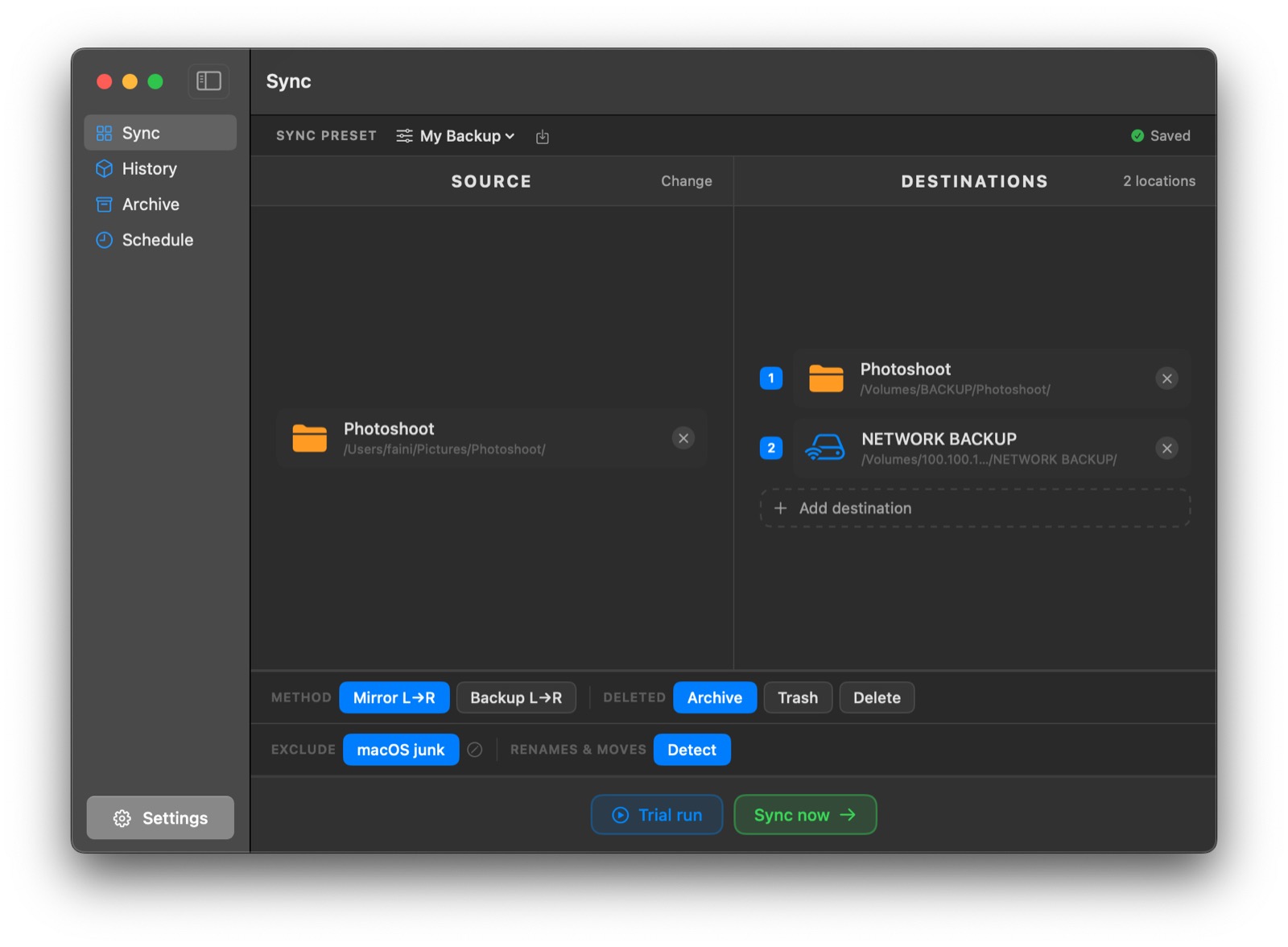
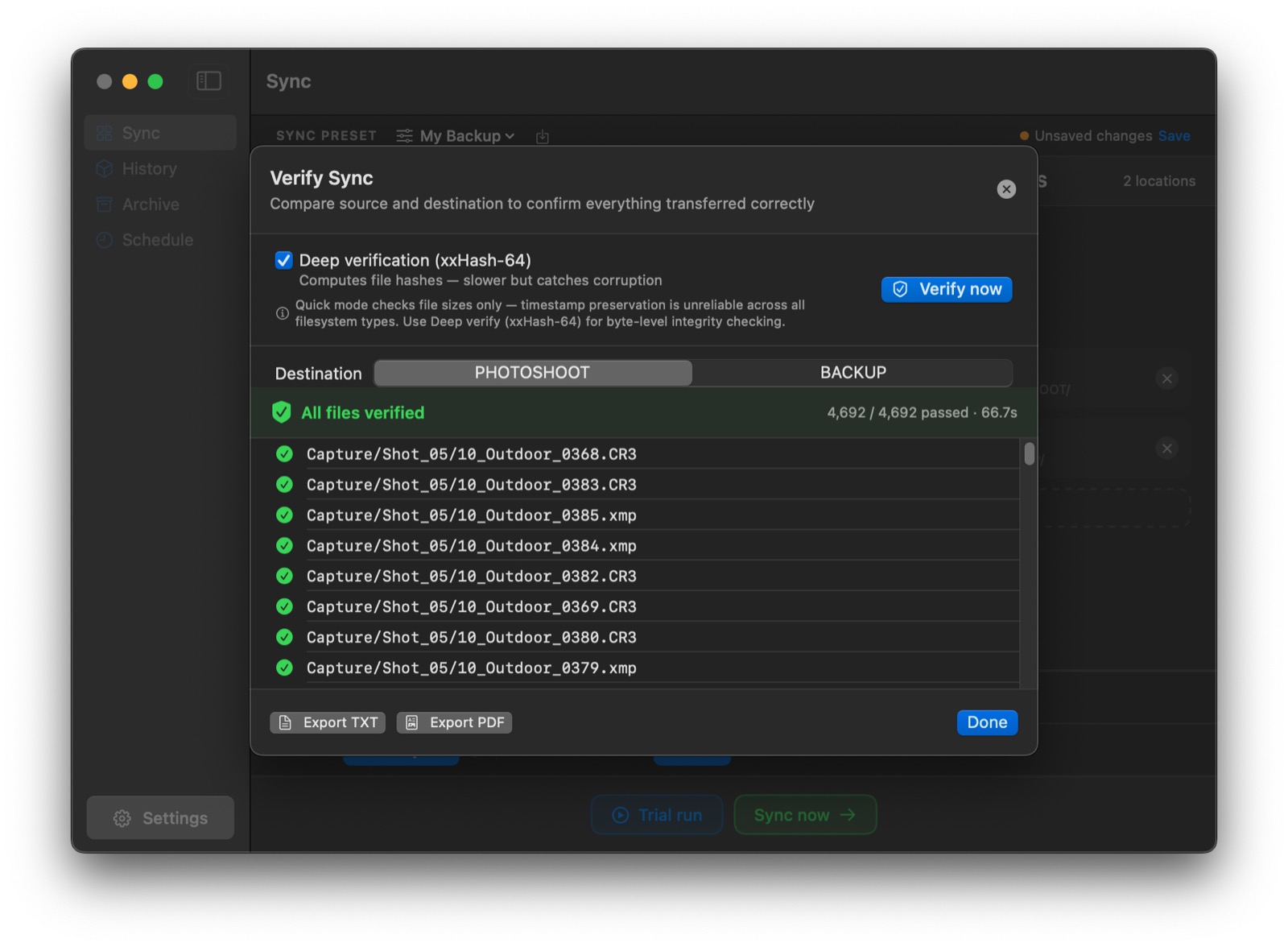
No wall of checkboxes, no cryptic sync jargon. Drag folders in, see exactly what will happen before it happens, and verify the result.
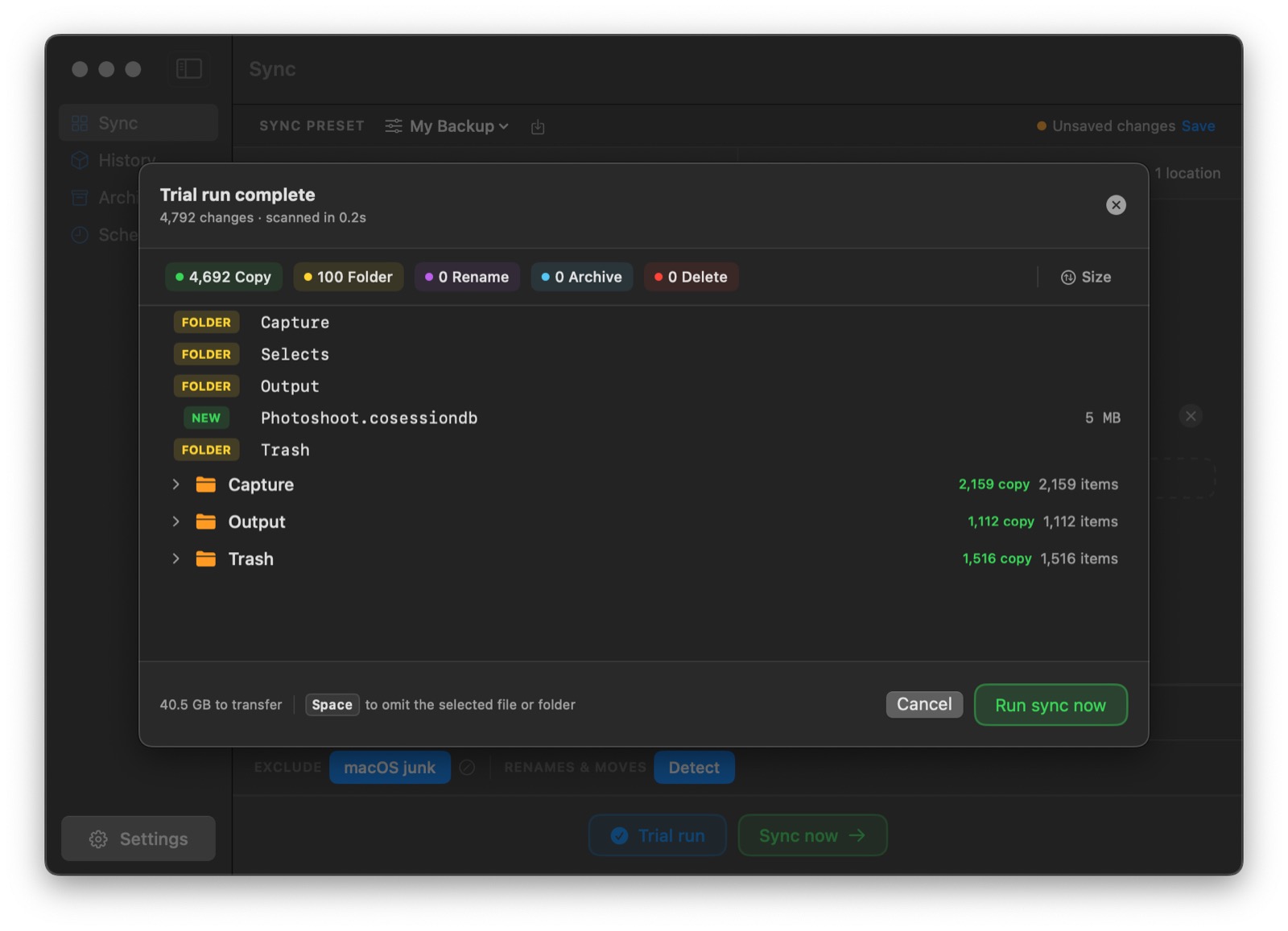
See every copy, rename, and removal before anything touches your files. Omit items with a keystroke, then run for real.
Keep an exact clone of the source, or add-only backups that never delete. Switch per preset with one click.
One source, several destinations — local drives, NAS, or network volumes — copied simultaneously in a single pass.
Reorganized your library? Mirror recognizes renamed and moved files and updates the destination instead of re-copying gigabytes.
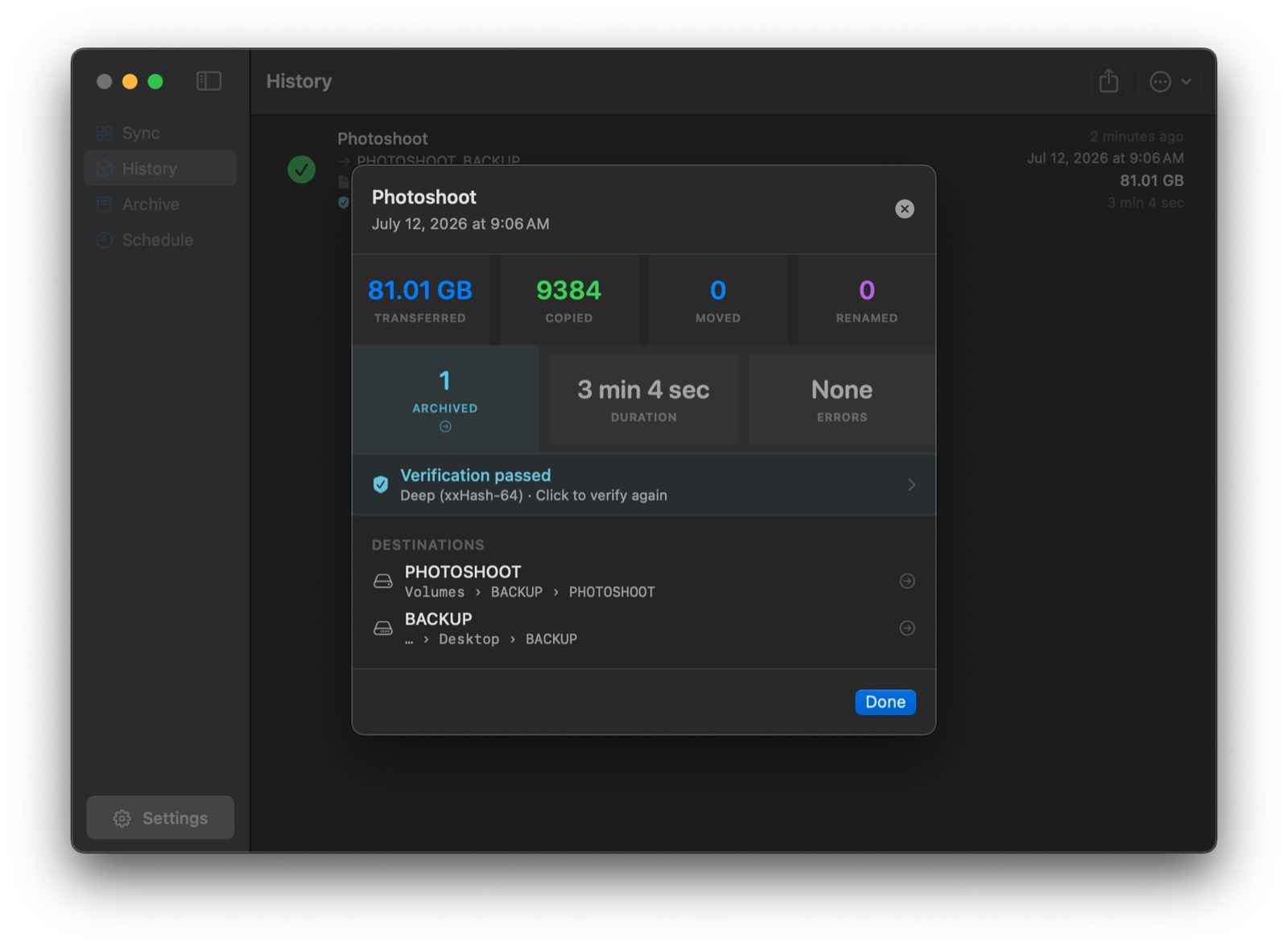
Quick spot-checks or deep checksum verification prove your backup matches the source — byte for byte.
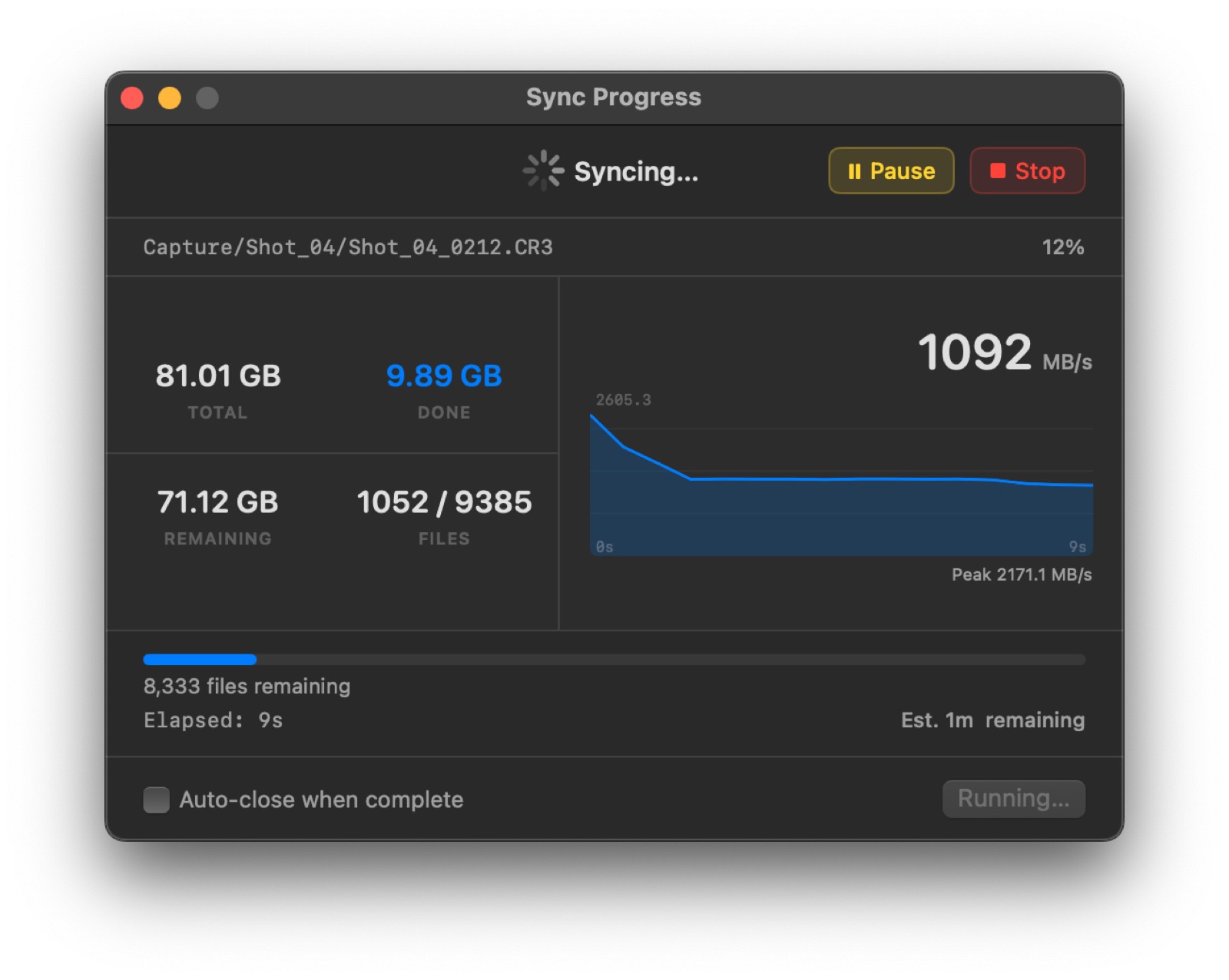
Atomic copies mean interrupted syncs never corrupt existing backups, and removal guards catch accidental mass deletions before they spread.
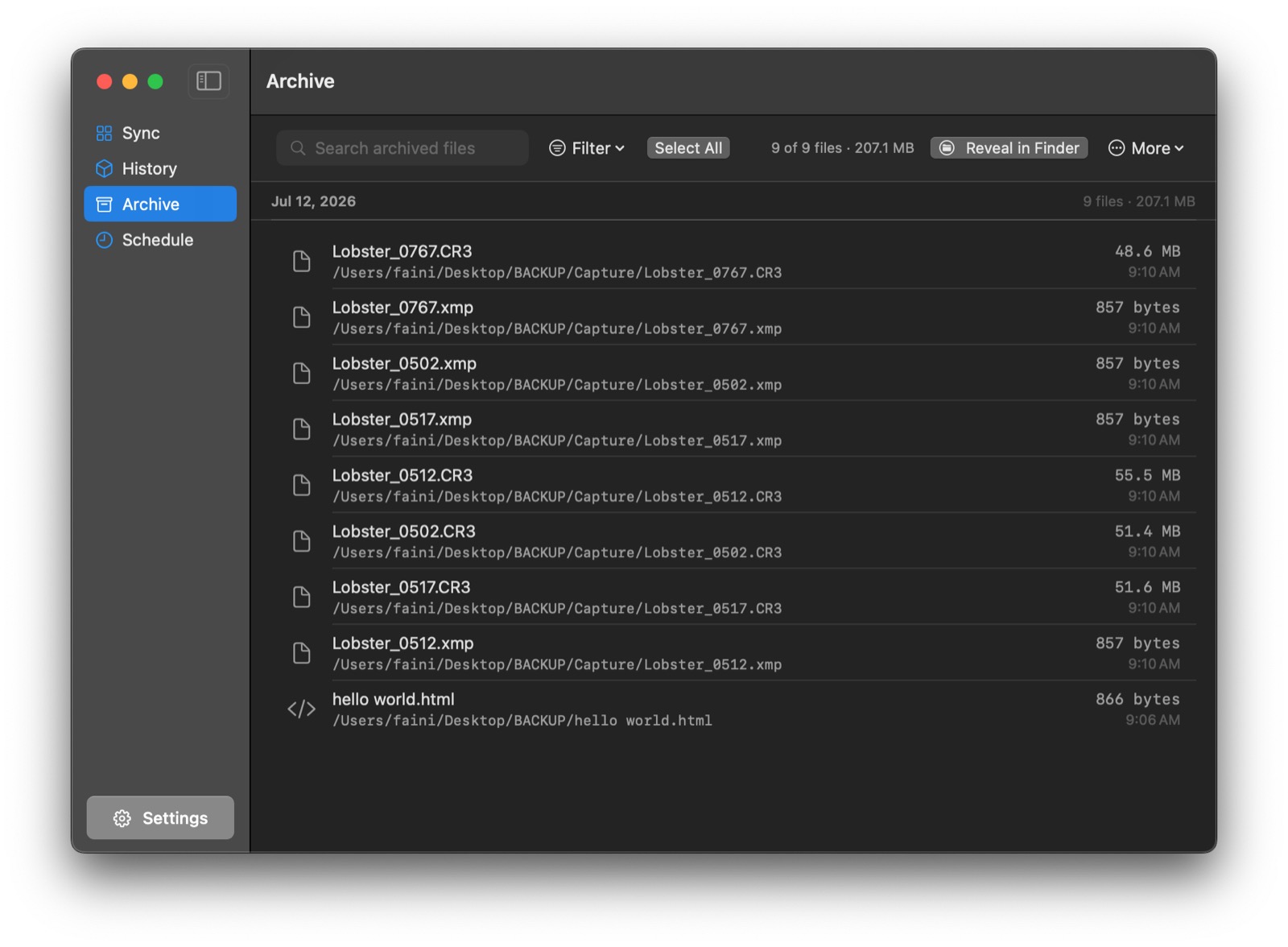
Files removed from a mirror are archived, not destroyed — browse and restore them any time.
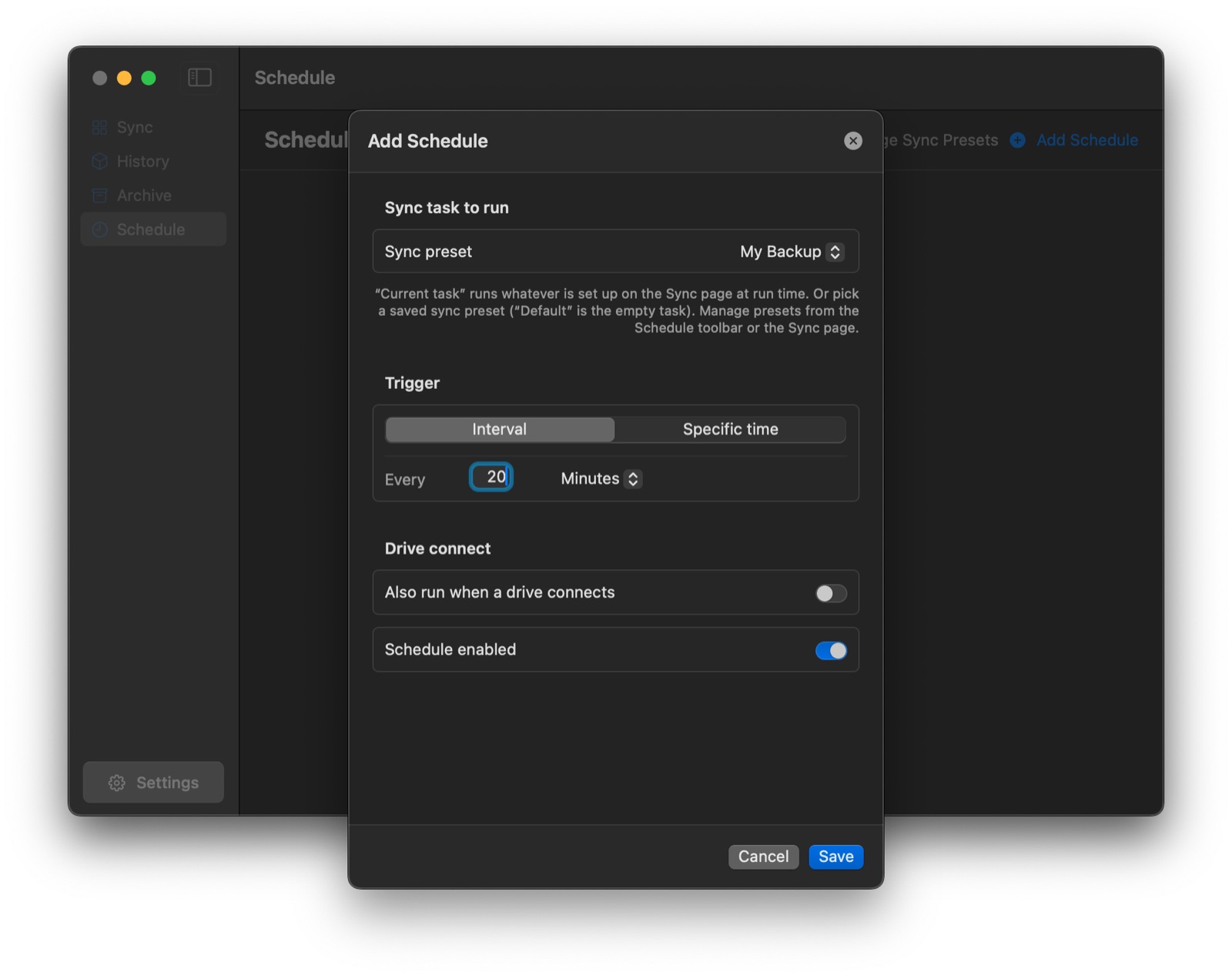
Run syncs on an interval, at specific times, or automatically the moment a backup drive is connected.
Full sync history with exportable reports, plus a URL scheme that hooks into Shortcuts and Stream Deck.
Screenshots
Pricing
FAQ
Mirror runs on macOS 14 Sonoma or later — including macOS 26 Tahoe — on both Apple Silicon and Intel Macs. Granting Full Disk Access is recommended so Mirror can reach every folder you point it at.
The trial is fully functional for 7 days — every feature, no account, no credit card. After it ends, you'll need a license to keep syncing.
One license activates Mirror on two Macs, and all 1.x updates are free.
Yes — destinations can be local drives, external drives, servers, or network volumes (SMB/AFP), and you can sync to several of them at once.
Yes - you can export reports of the verificaiton and history.